Thank you for joining us
You're just two quick steps away from unlocking your all-in-one platform. Follow the guide below to create your account and activate your plan.
STEP ONE
Check your inbox & create your account
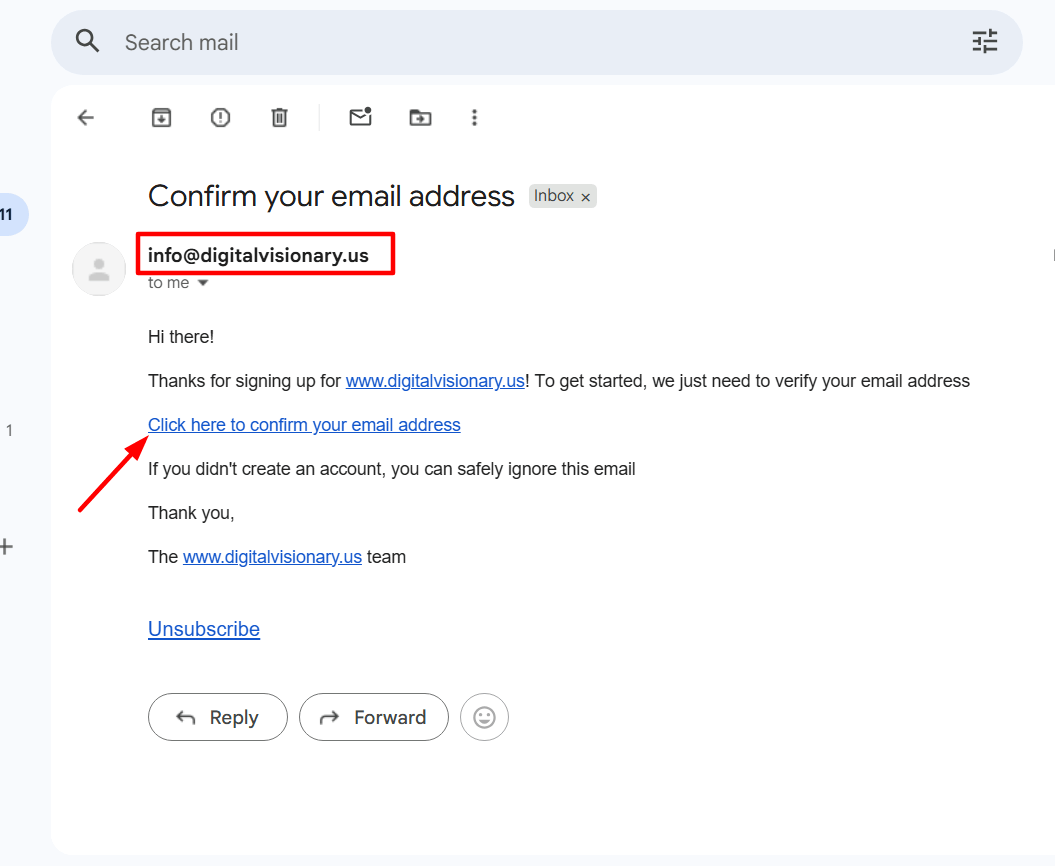
We've just sent a confirmation email to the address you provided. Please open it, click the link inside, and set up your account. If you don't see it within a few minutes, check your spam or promotions folder.
Open the email from us in your inbox.
Click the confirmation link inside the email.
Set up your account with a secure password.
STEP TWO
Log in & upgrade your plan
Once your account is ready, log in and head to your account settings. Open the My Plan section and upgrade your account to unlock every feature of the platform.
Log into your new account.
Go to Settings.
Click the confirmation link inside the email.
Upgrade your account and get started.